(HQ) Image Bible Narration Feature Added to the UBF Daily Bread App
- by ubf media
- May 07, 2026
- 356 reads

By UBF IT Department
We’re excited to introduce the new Image Bible Narration feature in the UBF Daily Bread App.
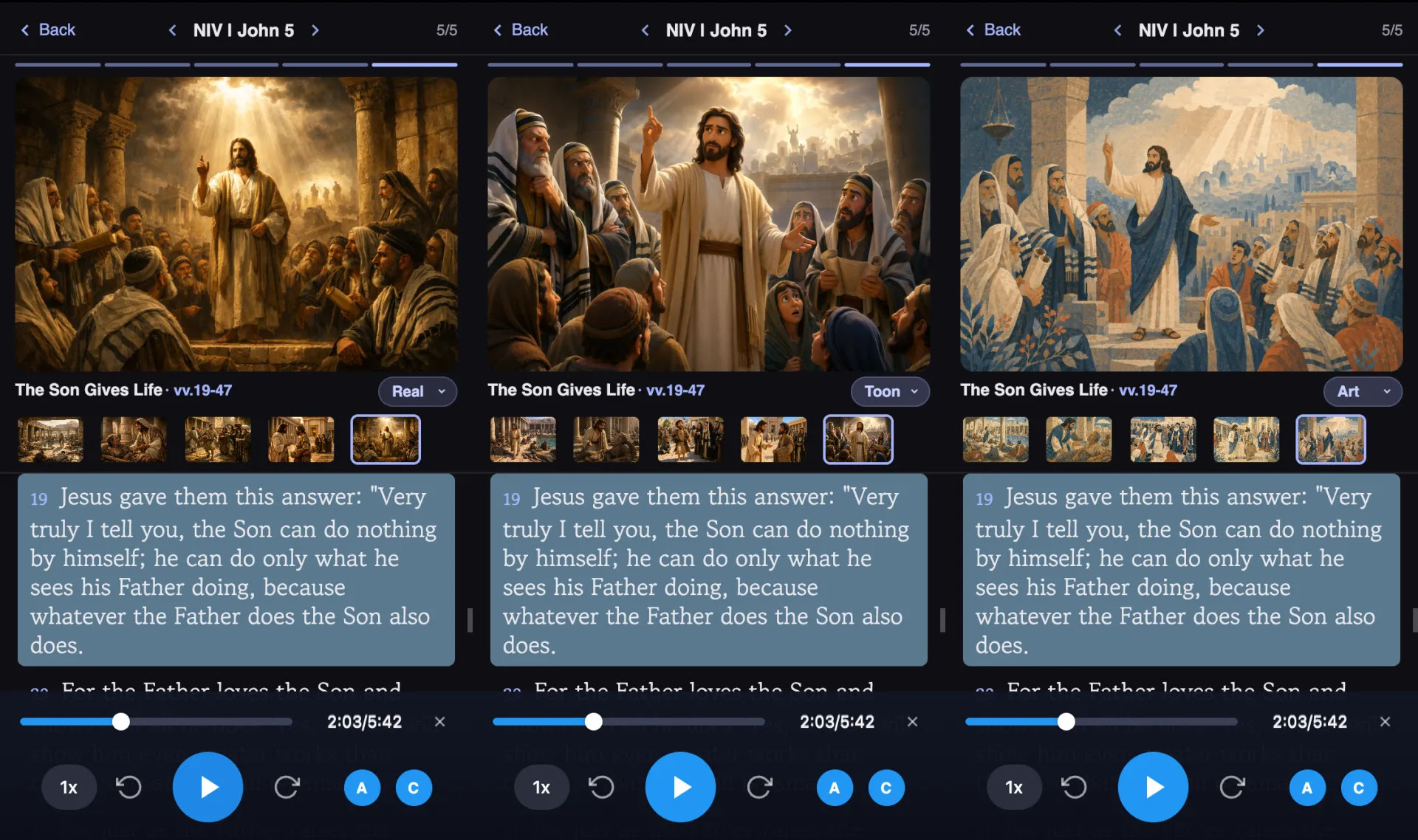
Using ChatGPT Image 2.0, we’ve generated 3–6 story-based images for each of the Bible’s 1,189 chapters, allowing you to follow along with Scripture while viewing corresponding images. On the Bible Reading page, simply click the “Image Narration” button located just below the Check & Next button.
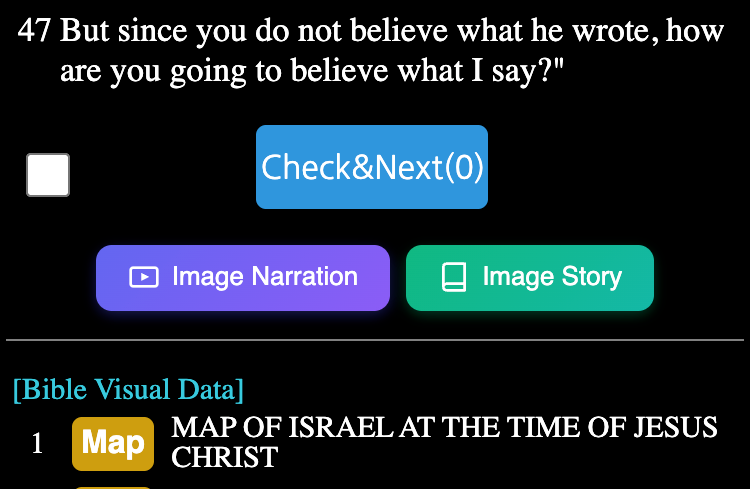
You can choose your preferred image style—Realistic, Cartoon, or Illustration—from the bottom right corner of the screen.
When you press the Narration button, the app will automatically move to the image that matches the passage being read.
We’ve also added a Bible in Pictures page, where you can view each image alongside a brief explanation of the Scripture on one screen. Click the “Bible Story” button to access this feature.
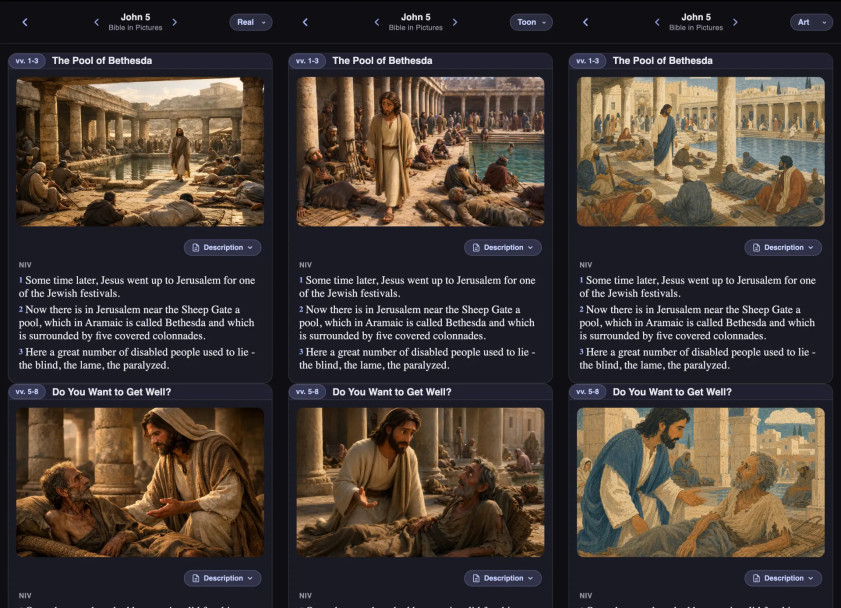
Through this Story Bible, you can grasp the overall message of each chapter more easily.
If you have any suggestions for improvement, please share them on the Q&A board within the Daily Bread App. We’ll do our best to incorporate your feedback in future updates.